Your journey to becoming an ONINI driver
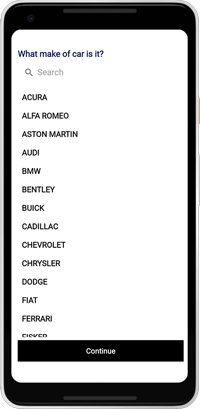
You can complete the application in the tyt Driver App
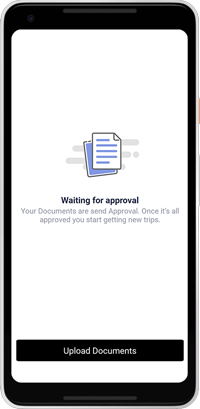
After uploading your required documents and passing the background checks, you’re ready to hit the road and start earning.
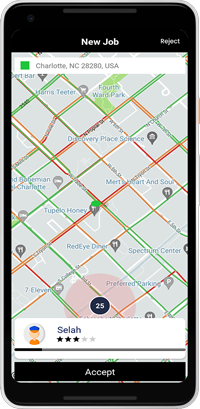
The Ping: When a nearby rider requests a trip, your screen will light up with a "ping." You will see the rider's first name, their pickup location, and your estimated time to arrive (ETA).
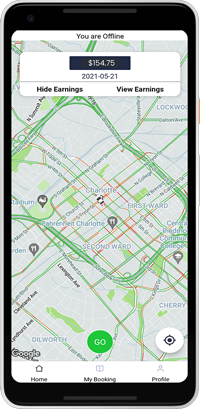
Open the app and turn on driver mode
Decide Quickly: You have a short amount of time to review the request. Tap "Accept" to claim the ride.
Decide Quickly: You have a short amount of time to review the request. Tap "Accept" to claim the ride
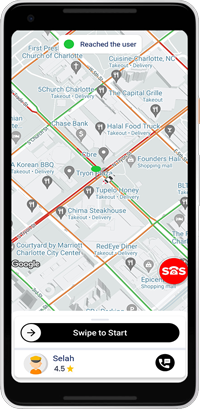
Swipe to Start: Once the rider is safely seated in the back, tap the "Start Trip" button at the bottom of the screen. This lets the rider know the meter is running and their ETA is counting down.
Follow the Map: Once you accept, the app will automatically open the turn-by-turn navigation (or show you the route on the in-app map). Follow the directions to the passenger's pin.
Arrive at Destination: When you reach the destination point on the map, pull over safely.
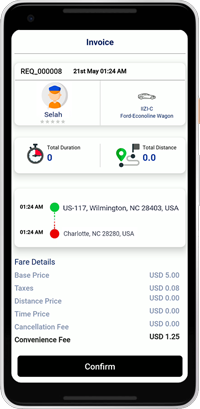
End the Trip: Tap the "End Trip" button. This processes the rider's payment and frees you up to receive your next ride request.